Plus
$8/ month
Yearly $80
- No Grok Bot
- Base usage
Unofficial page. Not affiliated with xAI or X.
Grok Bot gives you AI teammates that sign in to your tools and finish real work around the clock. This invite unlocks 14 days of X Premium with Grok Bot included, and you pay $0 today. The regular trial is only 7 days.

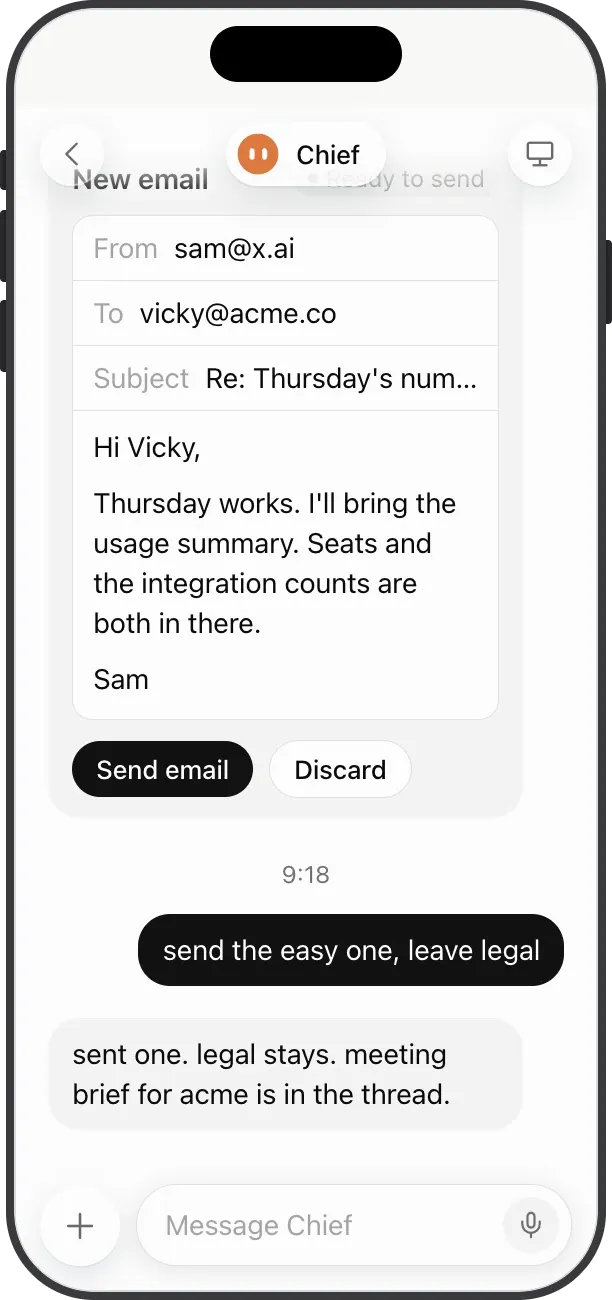
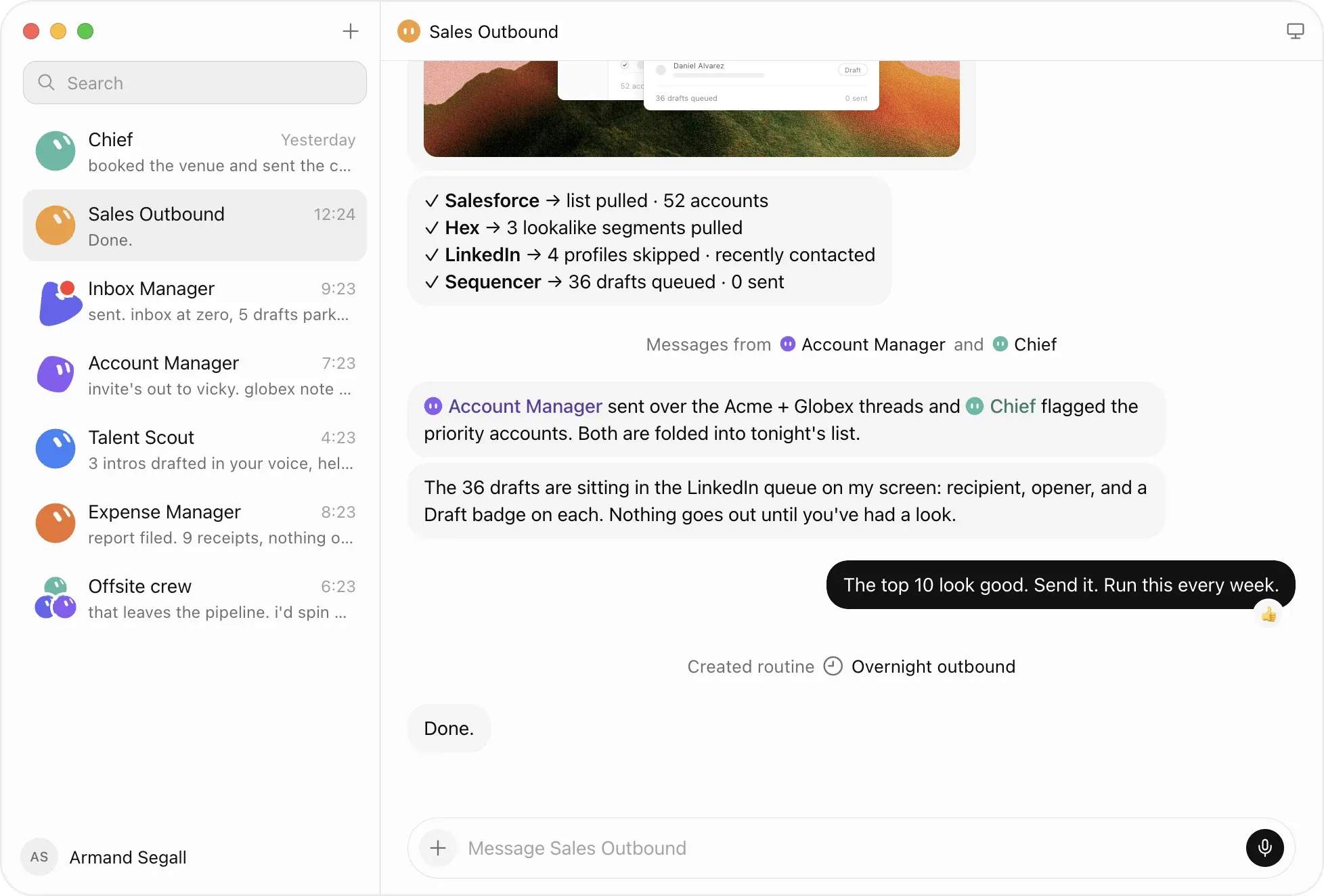
Each Bot has its own computer in the cloud, signs in to your tools and keeps going while you sleep. These are jobs people already give them.
Researches accounts overnight and drafts outreach in your voice for you to approve.
Sources candidates, writes the first message and books interviews once you say yes.
Reads live campaign data and proposes budget moves, then waits for your OK.
Logs receipts from your inbox and builds the weekly spending summary.
Checks your monitoring tools and reports hotspots with screenshots.
Follows a bug report through staging and hands engineers a repro pack.
Reads customer usage signals and turns them into a watch list before reviews.
Scans Slack, email and calendar, flags what matters and chases dropped threads.
Job examples from xAI's Grok Bot page, summarized.
Try Grok Bot free (opens in a new tab)xAI's official launch video, 1 minute 47 seconds.
Grok Bot is an AI agent from xAI, launched on August 11, 2026. Each bot gets its own computer in the cloud and signs in to the apps and websites you already use. It keeps working after you close your laptop.
You talk to it in chat, the way you would message a coworker. You can run several bots and they hand work to each other, for example one collects leads while another drafts the follow-up emails.
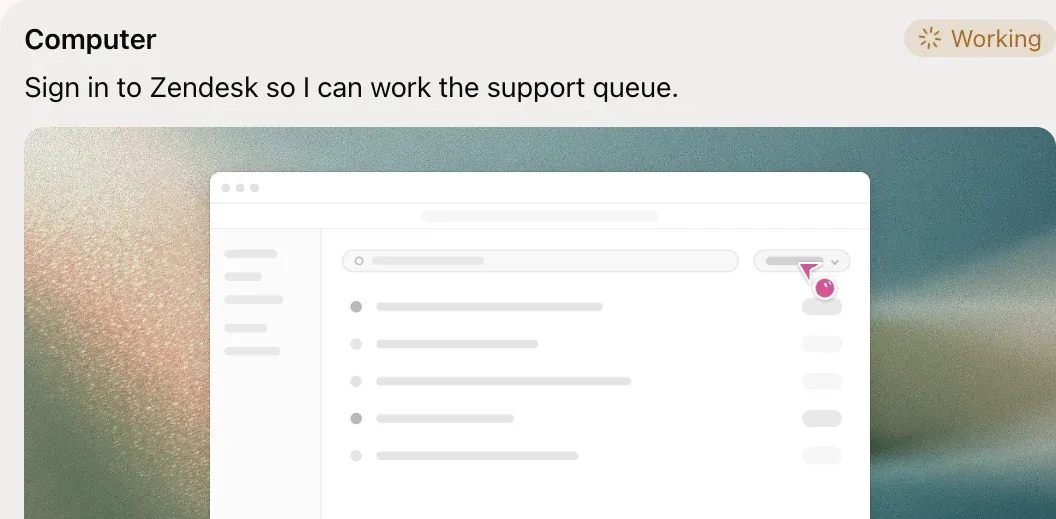
A Bot logs in to the apps and websites you already use, including ones without an API, and works in them the way you would.
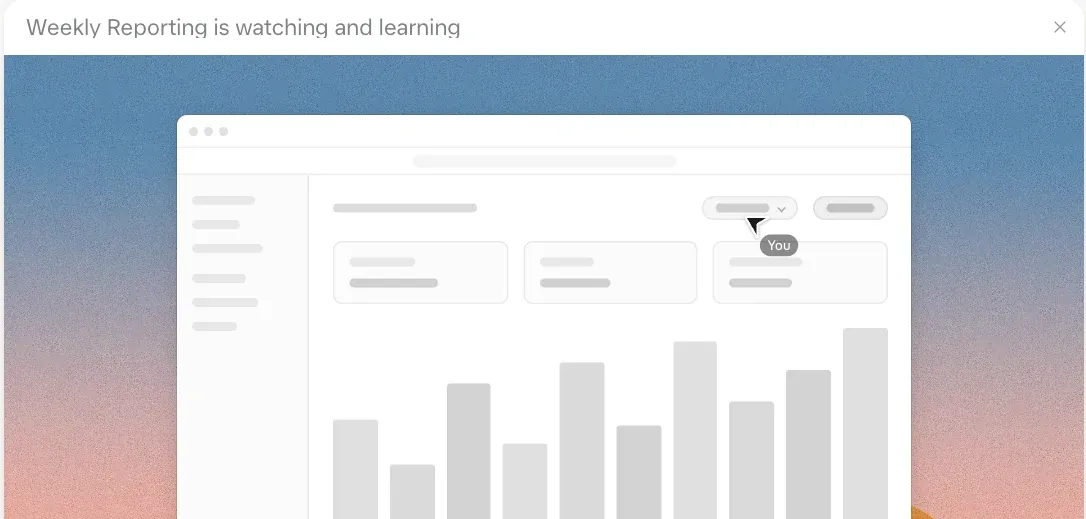
Do a workflow once while a Bot follows along. It saves the steps as a routine and runs them on schedule.
Cursor's help center describes the billing page trial as a usage credit with a 7-day window. The invite trial terms come from the X Subscription Referral Program Terms.
Use a browser for every step, not the Grok app.
Use the button on this page in a desktop or phone browser. The link goes to grok.com/refer.
Continue with Google, X, Apple, GitHub or an email address. The program only accepts email addresses from domains xAI supports.
Checkout should show 14 days of X Premium and $0 due today. If you see regular prices, the account doesn't qualify.
Checkout shows when the first charge happens and how much it will be. Put a reminder in your calendar a day earlier.
Install Grok Bot on your Mac or iPhone, or open it on the web, and start with a task you actually need done this week.
Grok Bot usage can go quickly. On the shorter billing page trial, one r/GrokBot user said they reached 54% of the week's usage after about an hour. A reply in the same thread pointed at long planning sessions as the main cost.
If you keep the trial, it turns into X Premium. You can also pick a bigger plan. Prices are in USD from the official pricing page.
$8/ month
Yearly $80
$30/ month
Yearly $300
$100/ month
Yearly $1,000
$200/ month
Yearly $2,000
Usage for Grok Bot comes from the same weekly pool as Grok and Cursor on your plan. Local prices and tax can differ.
No plan gives you Grok Bot for free. The Free and Plus plans don't include it, and Premium starts at $30 a month. The free way to try it is a trial, and an invite trial lasts 14 days instead of 7.
Yes. You add a payment card at checkout, but nothing is charged that day. The first charge happens when the 14 days end, on the date shown at checkout, unless you cancel first.
Cancel in your Grok account settings at least 24 hours before the trial renews. After checkout you get an email with cancellation steps, and a reminder arrives 7 days before the first charge.
No. The trial is only for people with no paid Grok, SuperGrok, X Premium, Cursor or X Subscription plan in the last 12 months. If that's you, checkout will show the regular plans instead of the trial.
Yes. The person who shares the link has to live in the US, but invited friends can join from any country where the program runs. China is excluded.
Cursor's help center lists macOS, iOS and the web. On Windows or Android, use the web version in your browser. Start the trial in a browser either way, because app store purchases don't qualify.
The link on this page is my personal referral link. If you subscribe after the trial, I get one usage reset on my own Grok plan. You pay the same price either way.

You pay $0 today, and a reminder arrives before the first charge.